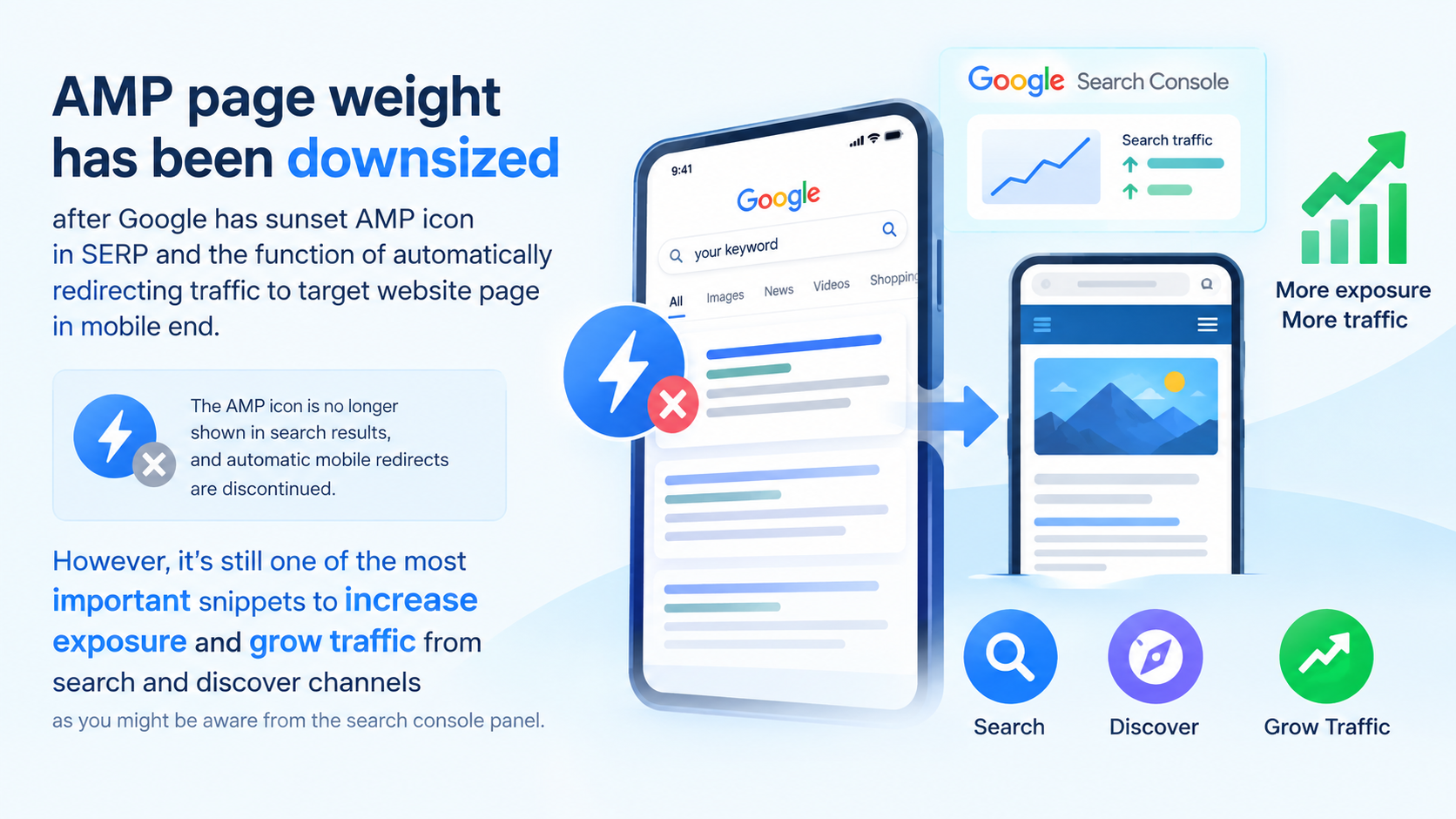
AMP page weight has been downsized after Google has sunset AMP icon in SERP and the function of automatically redirecting traffic to target website page in mobile end. However, it’s still one of the most important snippets to increase exposure and grow traffic from search and discover channels as you might be aware from the search console panel..
So in this piece, I would briefly walk through how to create AMPs for your web app mobile side users using Python as the sample. By the end of this piece, you can learn the core components and are able to start your own projects using the module in this chapter.
Table of Contents: Tips to Create AMP Pages for Web App
- Core AMP HTML, CSS & JS script
- 6 Checkpoints you must complete to pass AMP page validation
- Canonical tag with Jinja2
- Detect Mobile Traffic using user agent
- Redirect url_for to redirect mobile users to AMP route
- Full Python Scripts of AMP Page Creation for Web App
Core AMP HTML, CSS & JS Script
Accelerated Mobile Pages (AMP) is an open source project created to improve the performance of web pages for mobile devices. The project was spearheaded by Google and Twitter.
So it has a basic standard structure and fundamental components added to the Web app. Here is the basic component list you can download from AMP documentation website.
- Bass.css
- HTML template
- Base.js
Here are the stylesheet and script sample placed between <head></head> as follows:
<link href="base.css" rel="stylesheet" /><script type="text/javascript" src="base.js"></script>For the html page naming, for differentiating with the original html page, we normally name AMP in this form, such as abc.amp.html
6 Checkpoints you must complete to pass validation
Different with general web app mobile pages, there are five must-have elements we need to deploy to create AMP pages. It’s for successful validation by Google afterwards.
a. AMP library Script
First thing first, we need to add the AMP script library in the header as well as other open source project such as bootstrap, jquery, etc.
<script async src="https://cdn.ampproject.org/v0.js"></script>b. Language and code indicator
Secondly, we need to add the language and encoding tag as follows in the header.
<meta charset="utf-8" /><html lang="en">These two tags mainly show what language the page and language encoding version are using.
c. Canonical tag
Sequentially, a canonical tag is a must as it directs which page is the original one that is paired with this AMP page. I would walk through more details in a moment.
d. Viewport tag
Then, it’s the viewport tag. This is for optimizing the mobile end layout setting. Here is the sample tag.
<meta name="viewport" content="width=device-width">e. Image html element setting
Different with non amp page in the image element, AMP image html element has an unique setting required. We use <amp-img></amp-img> instead of <img></img>
<amp-img src="mountains.jpg"></amp-img>Other rest of element settings are no different, so we suggest changing them in bulk before AMP pages live.
f. Article schema
Although Valid AMP pages do not require schema.org structured data, some platforms like Google Search require it for certain experiences like the Top stories carousel. It’s generally a good idea to include structured data. Structured data helps search engines to better understand your web page, and to better display your content in Search Engine Result Pages (e.g., in rich snippets). The structured data is included in the <head> tag of your AMP page via an application/ld+jsontype script tag.
<script type="application/ld+json">{ "@context": "http://schema.org", "@type": "NewsArticle", "mainEntityOfPage":{ "@type":"WebPage", "@id":"https://example.com/my-article.html" }, "headline": "My First AMP Article", "image": { "@type": "ImageObject", "url": "https://example.com/article_thumbnail1.jpg", "height": 800, "width": 800 }, "datePublished": "2015-02-05T08:00:00+08:00", "dateModified": "2015-02-05T09:20:00+08:00", "author": { "@type": "Person", "name": "John Doe" }, "publisher": { "@type": . "Organization", "name": " AMP Times", "logo": { "@type": "ImageObject", "url": "https://example.com/amptimes_logo.jpg", "width": 600, "height": 60 } }, "description": "My first experience in an AMPlified world"}</script>In fact, the traffic from non-rich AMP appearance does perform better than those pieces without article schema
Canonical tag with Jinja2
For setting up AMP pages canonical tag, we can also leverage JINJA to set canonical variables connecting with your server side. The critical thing in AMP page canonical setting compared to other HTML pages is required to add amphtml tag as well in non-amp pages. Here are the sample as follows:
Tag deployed in amp page:
<link rel="canonical" href="/article.html">Tag with the same final url deployed on non-amp page
<link rel="amphtml" href="/article.amp.html">Detect Mobile Traffic using user agent
The original purpose of the AMP page is to increase the loading speed and UX on the mobile client side. So, we need to add a detector to detect mobile traffic in the web app route. Here is the sample for reference
user_agent = request.headers.get('User-Agent') if "iphone" in user_agent.lower(): elif "android" in user_agent.lower(): else<. /span>:Redirect url_for to redirect mobile users to AMP route
The final URL between non-amp and amp pages is different. Either you can set an amp parameter to represent amp pages or a new path as well. Here are the sample routes to set a new page redirecting mobile users to amp url.
Non amp page:
@app.route("/<louis>/<lu>", methods=['GET', 'POST'])def abct(louis, lu): user_agent = request.headers.get('User-Agent') if "iphone" in user_agent.lower(): return redirect(url_for('cde', easy2digtal=louis, buyfromlo=lu))AMP page:
@app.route("/<easy2digital>/<buyfromlo>/amp/", methods=['GET', 'POST'])def singlePostAMP(easy2digital, buyfromlo):returnFull Python Scripts of AMP Page Creation for Web App
- If you are interested in getting the full version of the script and vibe coding prompt mentioned in this article, please subscribe to our Youtube Channel and comment “AMP” in the following video (AMP Script and Vibe Coding Prompt)
- Support our channel through PayPal (paypal.me/Easy2digital)
- Follow our Facebook page
- Sign up for our weekly newsletter to receive Easy2Digital latest articles, videos, and discount code on Buyfromlo products and digital software